
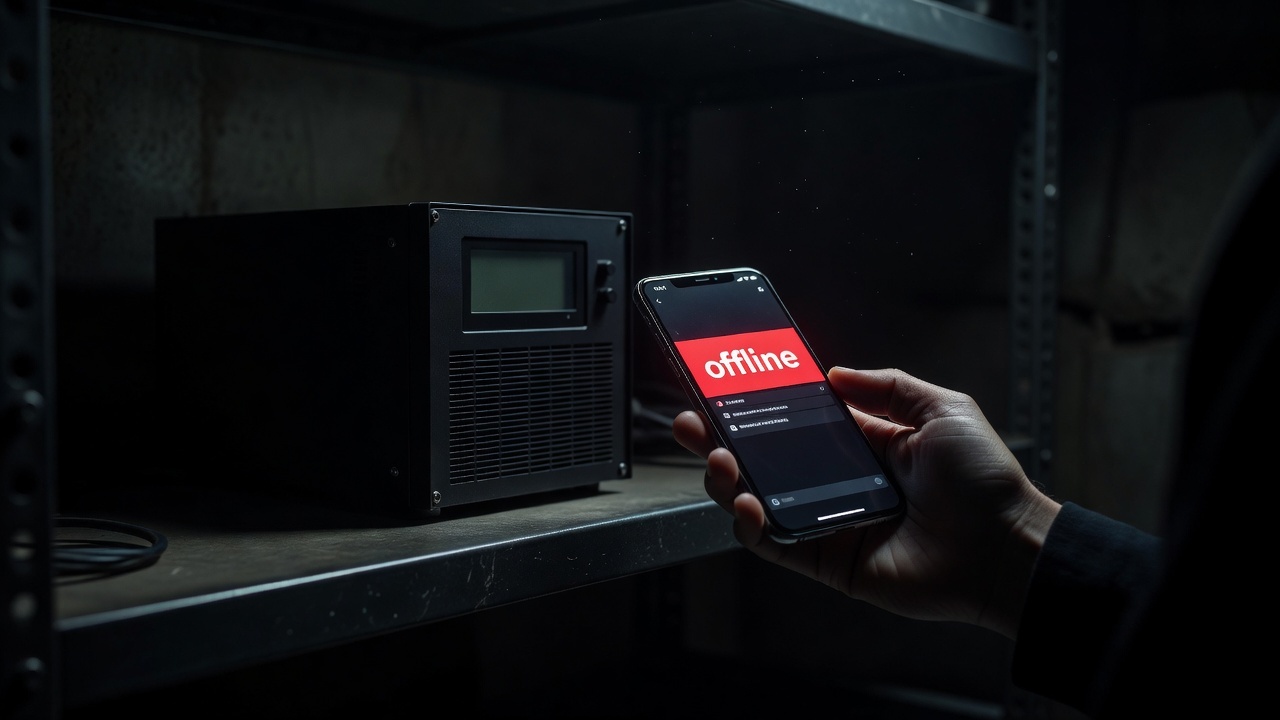
Worker Offline: Step-by-Step Diagnostics When an ASIC Disappears From Stats
A worker showing offline in your pool dashboard loses income every minute it's down. Here's the diagnostic order from simplest to most involved, to find the cause faster.
Diagnostic Order
- Check the power supply. Make sure the outlet and PSU are working - the most common cause of downtime, especially after grid disruptions
- Check the network cable and router. Confirm the Ethernet cable is connected and the router is working and serving internet to other devices
- Check the ASIC's web interface. If the device responds to ping and the web panel loads, the problem is more likely in pool connection settings than the hardware itself
- Check the pool settings on the device. Verify the pool address, port, and worker name are entered without typos - even one extra character breaks the connection
- Check the pool's status. Sometimes the pool itself is undergoing maintenance - check its official status page or Twitter/Telegram channel
- Restart the device. If the previous steps didn't help, a full ASIC reboot often clears a firmware hang
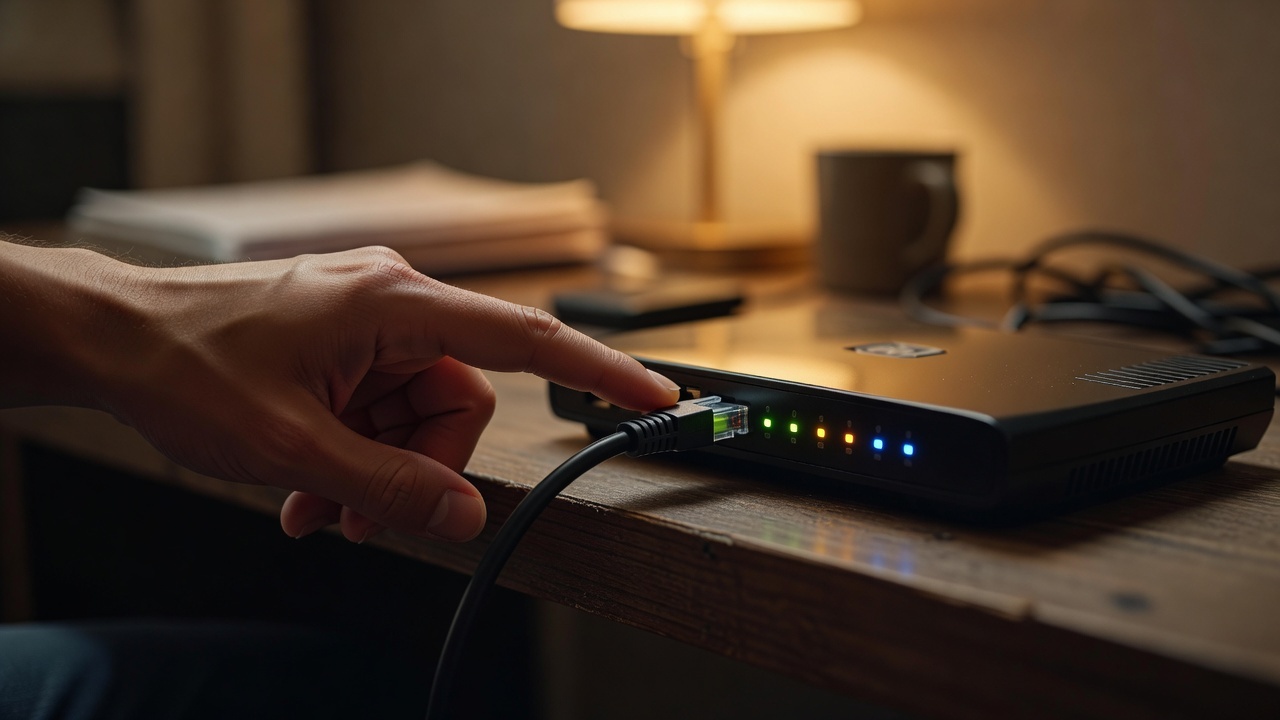
How to Prevent It From Recurring
- Set up offline alerts in your pool's app - this cuts downtime from hours to minutes
- Use a UPS for critical network infrastructure (the router) so brief power blips don't drop the connection
- Configure a backup pool in the ASIC's firmware - most firmware supports up to three pool addresses with automatic failover when the primary is unreachable
Frequently Asked Questions
How long before a pool shows a worker as offline?
Usually 5 to 15 minutes without shares from a worker - the exact threshold depends on the specific pool.
Is my accumulated balance lost while offline?
No, the balance accumulated before downtime isn't lost. Downtime just means no new income while the device wasn't mining.