
Pool Latency and Server Selection: How to Cut Delay Without Losing Hashrate
High latency between your equipment and the pool server directly cuts your effective income - the share of stale solutions the pool won't credit grows. Here's how to pick the right server and reduce latency.
Why Latency Affects Income
Each ASIC receives a job from the pool and sends back found shares. If the connection is slow, some shares arrive late - after the pool has already switched to a new job (for example, because someone on the network found a block). Such shares are marked stale and not paid.
At 200-300 ms latency, the stale share rate typically stays within 1-2% and isn't a problem. At 500 ms and above, losses can reach 5-10% of income.

How to Choose a Server and Reduce Latency
- Pick the geographically nearest pool server. Most large pools have servers in several regions (Asia, Europe, North America) - set your miner's address to the closest one rather than the default
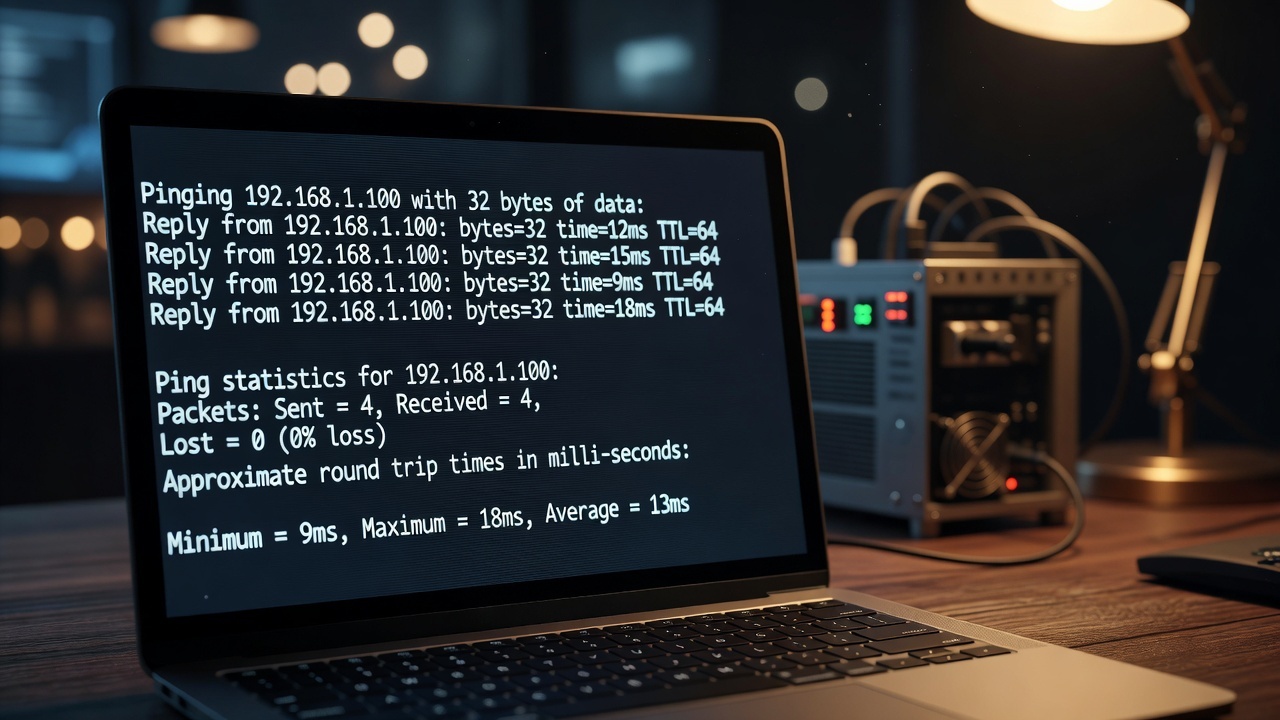
- Check latency with ping. Run
ping pool-server-addressin a terminal - if response time is consistently above 200-300 ms, try a different regional server for the same pool - Use a wired connection. Wi-Fi adds instability and extra latency compared to an Ethernet cable
- Consider a local stratum proxy for a large fleet - it reduces bandwidth load and stabilizes latency for all devices at once
Frequently Asked Questions
How do I check my actual stale share rate?
Most pool dashboards have a worker stats section broken down into valid/stale/invalid shares. A value above 3-5% is worth investigating.
Does a VPN affect latency to the pool?
Yes, usually it increases latency since traffic routes through an extra node. Only use a VPN for mining if legally necessary, and pick a VPN server geographically close to the pool server.