
Pool Blocked by Your ISP or Router: How to Work Around It
If your ASIC can't connect to a pool while the internet works fine for other sites, the likely cause is a specific port or address being blocked by your router or ISP. Here's how to spot it and work around it.
Signs of a Block
- The device is connected to the internet and its web panel loads, but it can't connect to the pool server
- Connection to one pool fails while another pool works fine (indicates a block on a specific domain/address, not all mining traffic)
- The connection drops periodically for no apparent reason on the hardware side
Main Causes and Workarounds
- A router with parental controls or QoS. Some consumer routers automatically throttle traffic recognized as mining. Check Parental Control / Traffic Shaping / QoS settings and disable restrictions for the miner's IP address
- Your ISP blocks certain ports. Pools use standard ports (typically 3333, 443, 8443, and others). If your ISP blocks non-standard ports, switch to port 443 (SSL), which is almost always open since it's used for regular HTTPS traffic
- Your ISP blocks mining traffic entirely by policy. This practice exists in some countries and with certain providers. In this case, the solution is a VPN to the pool server or switching providers
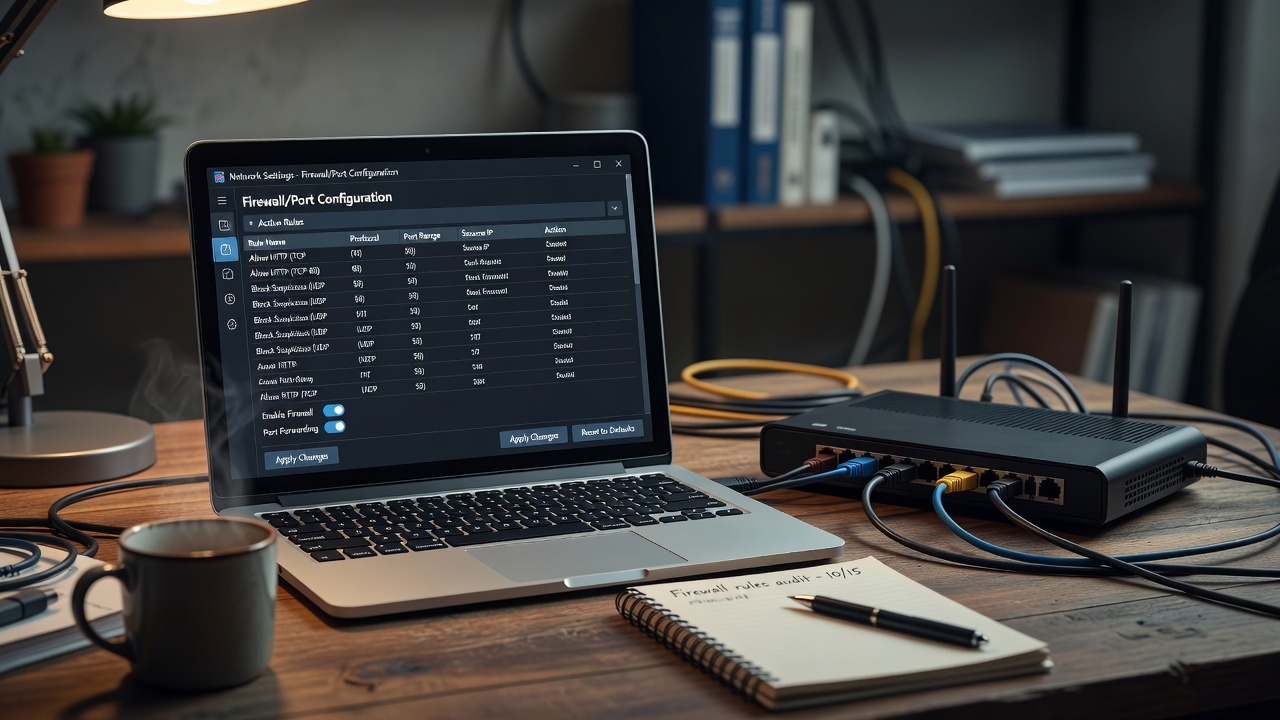
- The router's firewall blocks outgoing connections. Check the firewall rule list - sometimes mining traffic falls under a general P2P-connection block rule
Frequently Asked Questions
Is it legal to use a VPN to bypass a block?
It depends on your jurisdiction - in some countries mining itself is restricted, and bypassing a block may violate local law. Check the legal status of mining in your region before using a VPN for this purpose.
How do I check whether it's the router or the ISP?
Connect the ASIC directly to the ISP's modem, bypassing the router (temporarily). If the pool connection works, the problem is the router; if not, it's more likely a restriction on the ISP's side.