
Wallets for mining payouts: where to send your pool rewards in 2026
Pool payouts arrive often and in small amounts, while mined coins usually sit untouched for a long time. Those are two different jobs, and one wallet rarely does both well. For receiving frequent small payouts, use a hot non-custodial wallet with coin control and manual fees: Sparrow on desktop, BlueWallet on mobile. For long-term storage, use a hardware wallet: Trezor, Coldcard, BitBox, Ledger. The payout threshold in your pool settings sits between the two. Set it too low and you accumulate small UTXOs that cost real money to spend later.
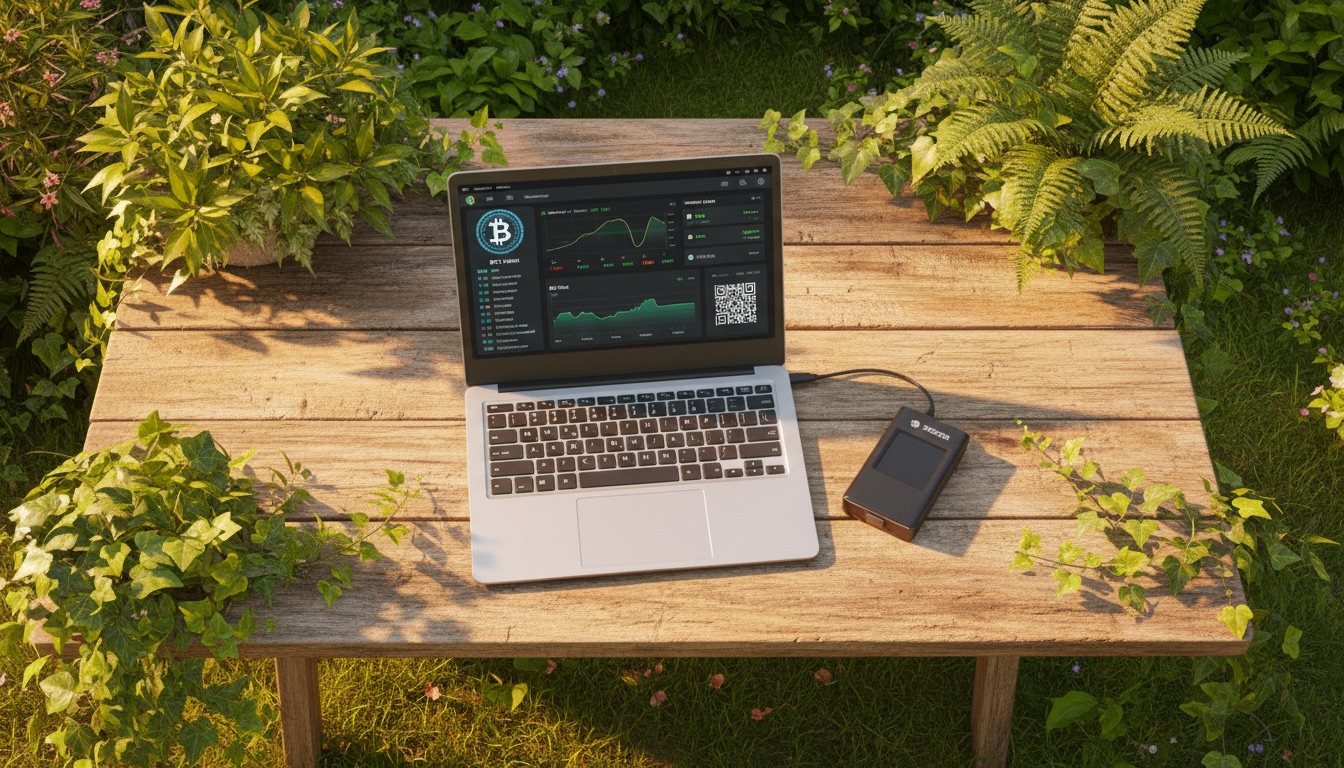
[IMAGE: daylight top-down shot of a wooden garden table with an open laptop showing a wallet interface and a small hardware device beside it, greenery and sun patches around, bright warm tones]
Why miners need a different wallet setup
A regular bitcoin holder makes a handful of transactions a year. A pool miner receives incoming payments on a schedule, sometimes daily, and every payout lands as a separate UTXO. Six months in, the balance may be awkward to spend: it is spread across a hundred small pieces, and the fee to gather them takes a visible bite.
That produces three requirements a casual user never thinks about. The wallet has to show individual UTXOs and let you pick them by hand (coin control). It has to let you set your own fee rate rather than only "fast, normal, slow". And it has to handle bech32, because a SegWit input weighs less than a legacy one when you spend it.
Which wallet works best for frequent small mining payouts?
Frequent small payouts call for a hot non-custodial wallet with coin control and manual fee settings. On desktop that is Sparrow: native bc1 addresses, single-sig and multisig Taproot, and a full transaction editor. On mobile it is BlueWallet: bech32 by default, full BIP86 Taproot wallets, coin control, Replace-By-Fee, and a built-in Lightning wallet.
Table 1. Hot non-custodial wallets
| Wallet | bech32 | Taproot | Lightning | Fees and UTXOs | Open source | Platforms |
|---|---|---|---|---|---|---|
| Sparrow | Yes, native bc1 | Yes, single-sig and multisig P2TR; available on Bitcoin Core via Cormorant from v1.7.2, requires Core v24+ | No | Full manual fee control, transaction editor, coin control | Yes, Apache 2.0 | Windows, macOS, Linux |
| BlueWallet | Yes, native mode plus P2SH-compatible mode | Yes, full BIP86 Taproot HD wallets since v7.2.2 (November 2023): send, receive, watch-only, hardware wallet integration, coin control. Send-only Taproot support goes back to v6.2.14 (December 2021) | Yes, built in | Coin control, Replace-By-Fee | Yes | iOS, Android, macOS |
| Electrum | Yes | Partial: it can send to bc1p (P2TR) addresses, but creating a native P2TR wallet is still an open feature request in the tracker (issues #7544, #8271). Treat Taproot support as incomplete | No | Configurable fee rate, RBF | Yes | Windows, macOS, Linux, Android |
A separate note on the Lightning wallets Zeus and Phoenix. Both describe themselves as self-custodial Lightning wallets, and Zeus additionally lets you drive your own LND or Core Lightning node from a phone. We did not confirm their address format, Taproot behaviour or fee mechanics against official documentation, so check those details on the wallet's official site before you point pool payouts at either one.
Sources for the table: Sparrow repository, BlueWallet features page, Electrum issue #7544. Checked 27 August 2026.
Where should mined bitcoin sit long term?
Long-term storage belongs on a hardware wallet: the private key never leaves the device, and signing happens inside it. For a miner this is the second tier. The hot wallet receives payouts and lets them build up, then once a month or once a quarter the accumulated balance moves to a hardware address in a single transaction. You pay the consolidation fee once instead of repeatedly.
Table 2. Hardware wallets
| Device | Current models | Price | Note |
|---|---|---|---|
| Trezor | Safe 5 | $129 | From the official trezor.io page, checked 27.08.2026 |
| Trezor | Safe 3 | Check the official store | Available figures disagree, so we are not quoting one |
| Coldcard | Mk5 | $189 | From coldcard.com, checked 27.08.2026 |
| Coldcard | Q | $289 | From coldcard.com, checked 27.08.2026 |
| Ledger | Nano Gen5, Flex, Stax, Nano X, Nano S Plus | Check the official store | Prices on shop.ledger.com load via script and could not be confirmed |
| BitBox | BitBox02 (Multi and Bitcoin-only), BitBox02 Nova | Check the official store | Official pricing could not be confirmed |
A model by model breakdown lives in our hardware wallets section.
What is dust, and why a low payout threshold hurts
Dust means UTXOs so small that the fee to spend them exceeds their value. It builds up from frequent small incoming payments, and mining pool payouts are a textbook source. The coins show on your balance, but moving them costs more than they are worth.
The mechanic is simple: fees are charged per input, not per amount. One SegWit (P2WPKH) input at 1 sat/vB costs roughly 68 satoshis. The same input during a congestion spike at 200 sat/vB costs about 13,600 satoshis (Spark, UTXO Management Guide, checked 27.08.2026). Now multiply that by the hundred inputs six months of daily payouts leaves behind.
The practical takeaway: raise the payout threshold in your pool dashboard until each payout comfortably exceeds the cost of spending one input at a high fee rate. A very low threshold feels good because money arrives daily, and it quietly turns your balance into fragments you cannot move cheaply. How the threshold affects the wait for your first payment is covered in how long until your first pool payout.
How do payout scheme, threshold and wallet fit together?
The payout scheme sets how evenly the money arrives, the threshold sets how often, and the wallet sets what it will cost to spend. PPS and FPPS produce predictable regular credits, while PPLNS swings more from block to block. The steadier and more frequent the flow, the more coin control matters on the receiving side.
The schemes themselves are covered in pool payout methods: PPS, FPPS, PPLNS, SOLO. If you are choosing a pool with privacy in mind and want to know where you can point an address without verification, see mining pools without KYC.
Who needs what
One ASIC at home with near-daily payouts. A hot mobile wallet, a threshold above the default, consolidation once a quarter, and a hardware wallet once the stack is worth protecting.

Several machines and dozens of incoming transactions a month. Sparrow on desktop as the receiver, manual fee rates, consolidation during quiet periods on the network, and a hardware device as primary storage.
A farm with steady output. Put the hardware wallet address straight into the pool settings, raise the threshold high, and keep a separate hot wallet only for operating expenses.
If you have not settled on a pool for your scale yet, the pool comparison on the home page and the profitability calculator are the place to start.
[IMAGE: daylight photograph of hands writing a seed phrase onto a paper card at a table by an open window, green trees and blue sky outside, soft natural light]
FAQ
Can I send pool payouts directly to a hardware wallet?
Yes. A hardware wallet receives transactions without being plugged in; the device is only needed to sign when you spend. But with a low payout threshold you will collect dozens of tiny UTXOs there that need consolidating later. Direct payouts make sense when the threshold is raised and payments arrive rarely and large.
What is dust in a miner's wallet?
A UTXO that costs more to spend than it holds. It comes from frequent small credits, pool payouts included. Dust does not expire or disappear. It simply becomes illiquid while fee rates are high and spendable again once the mempool clears.
Do I need Lightning for pool payouts?
Not necessarily, but it removes the dust problem for small amounts. Braiins pays over Lightning from 1 satoshi with no fee, capped at 0.005 BTC per transaction, and Ocean lets you withdraw over Lightning before the standard threshold is reached. Both sets of terms are covered in our Ocean versus Braiins comparison.
When is the best time to consolidate UTXOs?
During low network load, when fee rates are in the single digits of sat/vB. The gap between 1 and 200 sat/vB per input is roughly the gap between 68 and 13,600 satoshis, so timing affects the bill more than the choice of wallet does.