
ELLIPAL Titan 2.0 review 2026: price, QR signing, supported coins, countries, who it fits
ELLIPAL Titan 2.0 suits holders who want a fully air-gapped wallet with a large screen: no USB data, Wi-Fi, Bluetooth or NFC, signing only through QR codes, Bitcoin plus 45+ blockchains. It fits less well if you need open-source firmware, fast everyday transactions or a confirmed way to ship it to Russia.
POOL BTC is an independent comparison site for bitcoin mining pools and the tools miners use. We are not ELLIPAL and do not sell the device, and nothing here is investment advice. The facts below come from ELLIPAL's official site, help center and blog, checked on 2026-10-16, plus the official pages of the competing wallets named in the text.
What is ELLIPAL Titan 2.0?
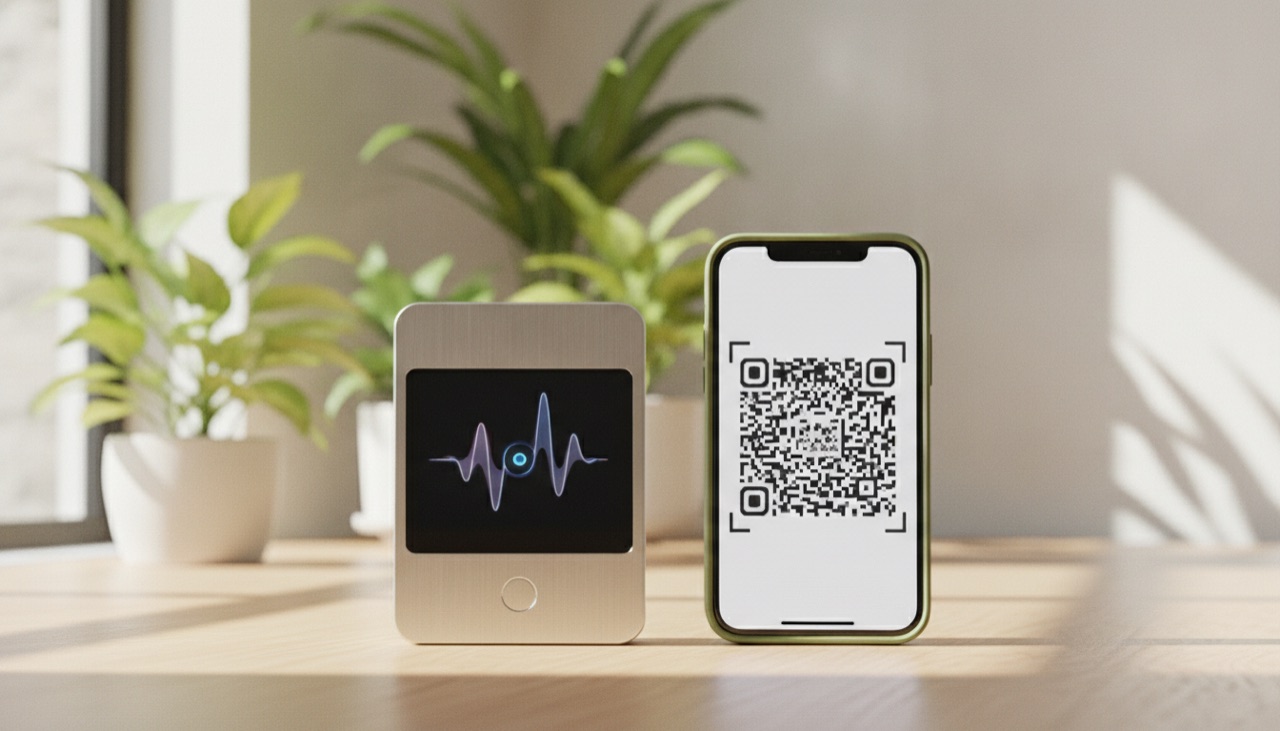
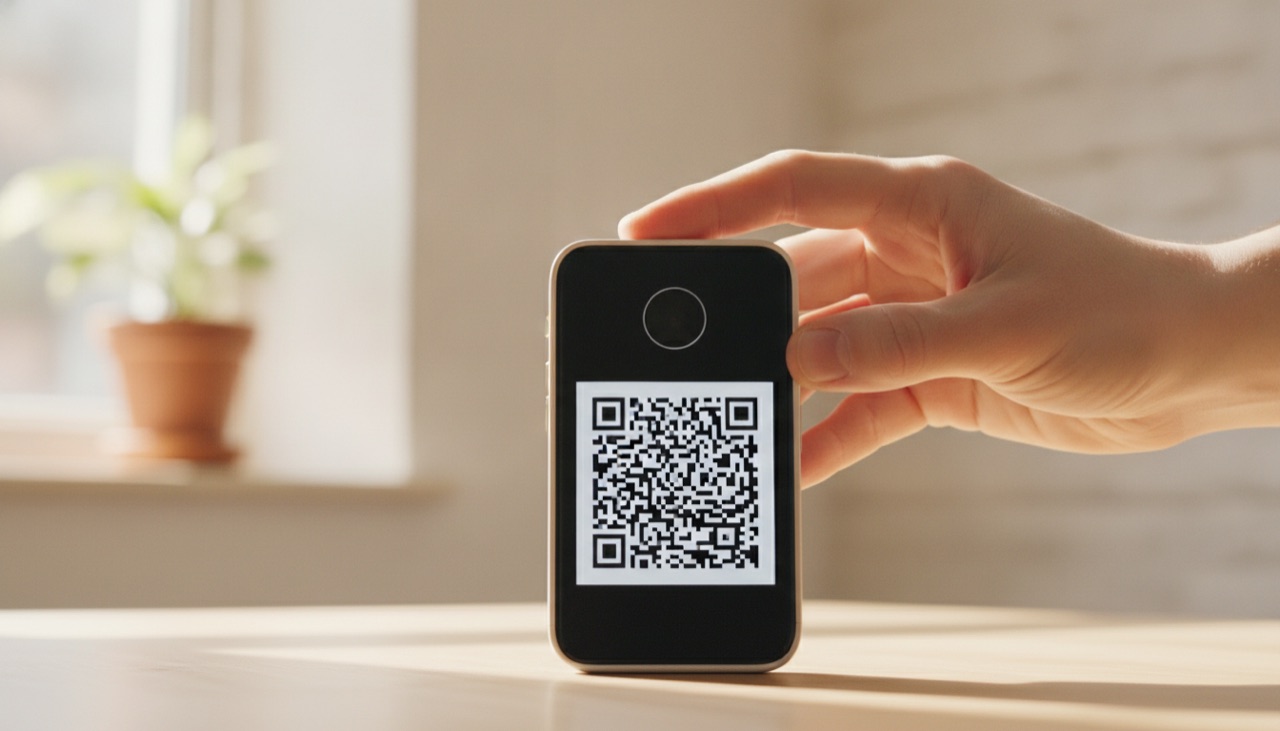
ELLIPAL Titan 2.0 is a hardware wallet that never connects to anything. It has no Wi-Fi, Bluetooth, NFC or USB data port. You build a transaction in the ELLIPAL phone app, show it to the device as a QR code, approve it on a 4-inch touchscreen and scan the signed QR back into the app.
The device is a sealed, all-metal block of 118 x 66 x 9.7 mm that weighs 140 g. Inside are a CC EAL5+ secure chip and a 1400 mAh battery. ELLIPAL says the device self-destructs if someone tampers with it. The first Titan is no longer listed in the store, so Titan 2.0 is the current model.
The app runs on Android and iOS. It holds only public data, while private keys stay on the Titan. This is the same idea as other QR wallets: the phone talks to the network, the wallet stays offline.
How much does ELLIPAL Titan 2.0 cost, and what are the limits?
The product page shows Titan 2.0 at a sale price of $169. The collections page, checked the same day, showed "Regular price $198, sale $198" with a "-$50" badge, which does not add up. Check the price in the cart before paying. Shipping is calculated at checkout, and import duties are on the buyer.
| Item | What ELLIPAL's official pages say |
|---|---|
| Device price | $169 sale on the product page; the collections page shows $198 |
| Warranty | 1 year, free replacement |
| Shipping cost | Calculated at checkout; a free shipping threshold is not stated on the official site (checked 2026-10-16) |
| Dispatch | Within 48 hours |
| Import duties and taxes | Paid by the buyer; VAT may apply in the EU |
| Refused parcel | Refund for goods only, minus return shipping |
| Metal seed backup | Not in the box; ELLIPAL Seed Phrase Steel is sold separately |
| Accounts on one device | Up to 10: 5 from seed phrases and 5 from imported keys |
| Battery life per charge | Not stated on the official site (checked 2026-10-16) |
| Water and dust rating | Not stated on the official site (checked 2026-10-16) |
Two costs are easy to miss. First, the metal backup plate: paper works, but if you want steel, budget for it separately. Second, the refused-parcel rule. If your customs office asks for duties you did not expect and you refuse the parcel, you get the goods price back minus return shipping, not the full amount.
The app also offers swaps of 2,000+ tokens through third parties: Changelly, SWFT and SwapKit. Their fees are set by those services, so compare the quote before you confirm.
Which coins does Titan 2.0 support?
ELLIPAL lists 10,000+ tokens on 45+ blockchains, including Bitcoin and 100+ stablecoins. NFTs work on Ethereum and Polygon. The exact coin count is not stated on the official site (checked 2026-10-16), so search the coin list on ELLIPAL's site for any specific token before you buy.
Staking runs through the app for six networks: ETH, ADA, ATOM, XTZ, DOT and KSM. SOL staking is marked as coming soon. For dApps the app uses WalletConnect on ETH, BNB, AVAX, POL, SOL, FTM and S, and the wallet works with MetaMask.
For a miner, the relevant part is simple: pool payouts in BTC go to an address that the Titan controls, and the coins stay offline until you sign a spend. If you want to see how much BTC a month you would be moving to cold storage, run your hashrate and power price through our mining calculator.
Who is ELLIPAL Titan 2.0 a good fit for, and who should skip it?
Titan 2.0 fits people who want no cable and no radio link between the wallet and any computer, prefer a big touchscreen to small buttons, and hold coins on many chains. It fits less well people who move funds every day, want firmware they can audit, or live where delivery is blocked or unclear.
A good fit:
- Miners and long-term holders who send pool payouts to cold storage and spend rarely.
- People who hold BTC alongside ETH, stablecoins and staking coins and want one device for all of them.
- Users who distrust USB and Bluetooth and want every signature to pass through a QR code they can see.
- Anyone who wants hidden accounts behind a passphrase or a secondary wallet.
A weaker fit:
- Active traders. Every send means scanning a QR in two directions, which takes longer than a USB or Bluetooth wallet.
- People who want open-source firmware. ELLIPAL says itself that the firmware is closed.
- Buyers in India, Indonesia, Kyrgyzstan, Madagascar or Bosnia and Herzegovina, where ELLIPAL does not ship.
- Anyone who wants to stake SOL today or stake on chains beyond the six listed.
Which countries does ELLIPAL ship to, and what about Russia and Argentina?
ELLIPAL's shipping policy, updated 2026-08-05, covers 140+ countries and names five it cannot ship to: Bosnia and Herzegovina, Madagascar, Kyrgyzstan, India and Indonesia. Russia is not on that list, but the terms forbid users in comprehensively sanctioned countries and regions. Argentina is covered with delivery in 7-15 business days.
On Russia and the CIS, the picture is mixed. The terms name Cuba, Iran, North Korea, Syria, Crimea, Donetsk and Luhansk "among others" and refer to OFAC, UN, EU and UK sanctions lists. Whether an order to a Russian address actually goes through is not confirmed (checked 2026-10-16). Kyrgyzstan is explicitly on the cannot-ship list. For other CIS countries the policy has no specific rules, so the cart and support are the only way to find out.
For Latin America, the policy lists South America, including Brazil, Argentina, Peru and Chile, at 7-15 business days. Mexico falls under "other supported countries" with the same 7-15 days. Import duties and taxes are the buyer's responsibility everywhere. In Argentina, check customs rules for imported electronics before ordering, since a refused parcel is refunded minus return shipping.
How safe is ELLIPAL Titan 2.0?
The main protection is the air gap: with no USB data port and no radio, malware on a computer or phone has no direct channel to the keys. The weak spots are closed firmware, the lack of a published third-party audit of Titan 2.0, and a 2019 study that found problems in the original model.
The history matters here. In 2019 the Ledger Donjon team tested the original ELLIPAL wallet, model EC01, and presented the results at Breaking Bitcoin 2019. They found that a UART port allowed a factory reset mode and Wi-Fi activation, and that USB could enable a firmware dump. No seed phrases were extracted. ELLIPAL released firmware v2.0 for EC01 and then built the Titan with a sealed metal body and no USB data port.
Today the Titan 2.0 page claims "8 years. Zero breaches". That is ELLIPAL's own statement. We found no formal third-party audit of Titan 2.0 linked on the official pages. The security lab page describes internal processes, and the CC EAL5+ certification covers the secure chip, not the firmware.
What is open: the QR data format, a JavaScript library and the firmware update verification tool are published on ELLIPAL's GitHub. ELLIPAL also runs a bug bounty, with reports going to src@ellipal.com.
Protection you can switch on yourself:
- A device password.
- An optional BIP39 passphrase.
- A secondary wallet with hidden accounts.
Firmware updates are also offline. They go through a separate Security Adapter and a microSD card, so the device never needs a USB data link.

How do you set up ELLIPAL Titan 2.0?
Setup takes a new 24-word seed phrase, a pen and paper, and the ELLIPAL app on your phone. The steps below follow ELLIPAL's own help center guide for Titan 2.0. Do not take a photo or screenshot of the seed at any point.
- Power on the device and tap Create account.
- Enter an account name and a password.
- Choose Back up seed phrase, read the warnings and tap Back up now.
- Write the 24 words in order on paper. No screenshots.
- Confirm the backup by tapping the words in the correct order.
- Tap Verify seed phrase.
- Select the coins and networks you want.
- The device shows a rotating QR code.
- In the ELLIPAL app, go to Connect wallet, then ELLIPAL Titan Series, then Scan to connect.
- Scan the QR code. The wallet appears in the app.
To receive, open the address in the app and check that it matches the address on the device screen. To send, build the transaction in the app, scan its QR with the Titan, check the details on the 4-inch screen, approve, then scan the signed QR back into the app, which broadcasts it.
Recovery works with any standard BIP39 seed. The Titan creates 24 words but accepts 12, 15, 18, 21 or 24 when restoring, and a Titan seed can be restored in other BIP39 wallets such as MetaMask, Ledger or Trezor. That gives you a way out if the device breaks or the company stops supporting it.
Support is by email: cs@ellipal.com for the product and warranty, support@ellipal.com for orders and shipping, plus the help center. Phone support is not stated on the official site (checked 2026-10-16).
What are the risks of using ELLIPAL Titan 2.0?
The risks are mostly about trust and convenience rather than remote attacks. You cannot read the firmware, the security claims rest on the company's own word and a chip certificate, and every transaction takes more steps than with a cable or Bluetooth wallet.
- Closed firmware. ELLIPAL confirms it. You trust the code without being able to inspect it.
- No published audit of Titan 2.0. The CC EAL5+ certificate covers the chip only.
- 2019 findings on EC01. No seeds were extracted, and the design changed afterwards, but it is part of the record.
- QR friction. You scan in both directions for every send.
- Updates need extra hardware. The Security Adapter and a microSD card.
- Battery. The device has to be charged, and the official site does not state how long a charge lasts.
- Limited staking. Six chains, with SOL still listed as coming soon.
- Delivery and customs. Five countries blocked outright, unclear status for Russia, and duties on the buyer.
How does ELLIPAL Titan 2.0 compare with Ledger Flex, Trezor Safe 5 and Keystone 3 Pro?
Titan 2.0 and Keystone 3 Pro are both QR-based and air-gapped, but Keystone has open-source firmware and three secure elements. Trezor Safe 5 is open source and uses USB-C. Ledger Flex is the most expensive and adds Bluetooth and NFC, with a closed OS and a CC EAL6+ chip.
| Wallet | Price on official site | Connection | Firmware |
|---|---|---|---|
| ELLIPAL Titan 2.0 | $169 sale on the product page ($198 on the collections page) | QR only, no USB data, Wi-Fi, Bluetooth or NFC | Closed, CC EAL5+ chip |
| Ledger Flex | $249 | USB-C, Bluetooth 5.2, NFC | Closed OS, CC EAL6+ chip |
| Trezor Safe 5 | $129 (one other listing showed $169, depending on region or bundle) | USB-C | Open source |
| Keystone 3 Pro | $149 | QR and microSD, air-gapped | Open source, 3 secure elements |
Prices come from each maker's official page, checked 2026-10-16. Keystone lists 5,500+ supported assets, ELLIPAL lists 10,000+ tokens; the two count differently, so check your specific coins on each list.
If the air gap is what draws you, the Keystone Pro review is the closest comparison. For a wallet with open firmware and a cable, see our Trezor review, and for Ledger's lineup, the Ledger review.
FAQ
Is ELLIPAL Titan 2.0 fully air-gapped?
Yes, according to ELLIPAL. It has no Wi-Fi, Bluetooth, NFC or USB data connection, and transactions move between the app and the device only through QR codes. Firmware updates also go offline, through a Security Adapter and a microSD card.
Does ELLIPAL Titan 2.0 support Bitcoin?
Yes. Bitcoin is on ELLIPAL's coin list, along with 10,000+ tokens on 45+ blockchains and 100+ stablecoins. You can send BTC mining pool payouts straight to a Titan address.
Is the ELLIPAL firmware open source?
No. ELLIPAL states that the firmware is closed. The QR data format, a JavaScript library and the update verification tool are open and published on its GitHub.
Can I restore an ELLIPAL seed in another wallet?
Yes. The Titan uses standard BIP39 seeds. It creates 24 words and restores 12, 15, 18, 21 or 24 words, and ELLIPAL names MetaMask, Ledger and Trezor as compatible wallets.
Does ELLIPAL ship to Russia or Argentina?
Argentina is covered, with delivery in 7-15 business days and duties paid by the buyer. Russia is not on the cannot-ship list, but the terms bar users in sanctioned countries and regions, and whether an order to Russia goes through is not confirmed.
Is a metal seed backup included?
No. ELLIPAL Seed Phrase Steel is sold separately. The device itself comes with a 1-year warranty with free replacement.
Is ELLIPAL Titan 2.0 worth it in 2026?
For miners and holders who send BTC to cold storage and rarely spend, Titan 2.0 is a reasonable air-gapped option with a big screen, wide coin support and BIP39 recovery. If open firmware matters to you, Keystone 3 Pro covers the same QR approach. Buyers in Russia should confirm delivery first.
If it fits, order Titan 2.0 from the official ELLIPAL store, check the final price in the cart, and do a small test transaction before moving larger amounts.
This article contains a referral link: we may receive a reward if you register through it. It does not change the figures or conclusions.